
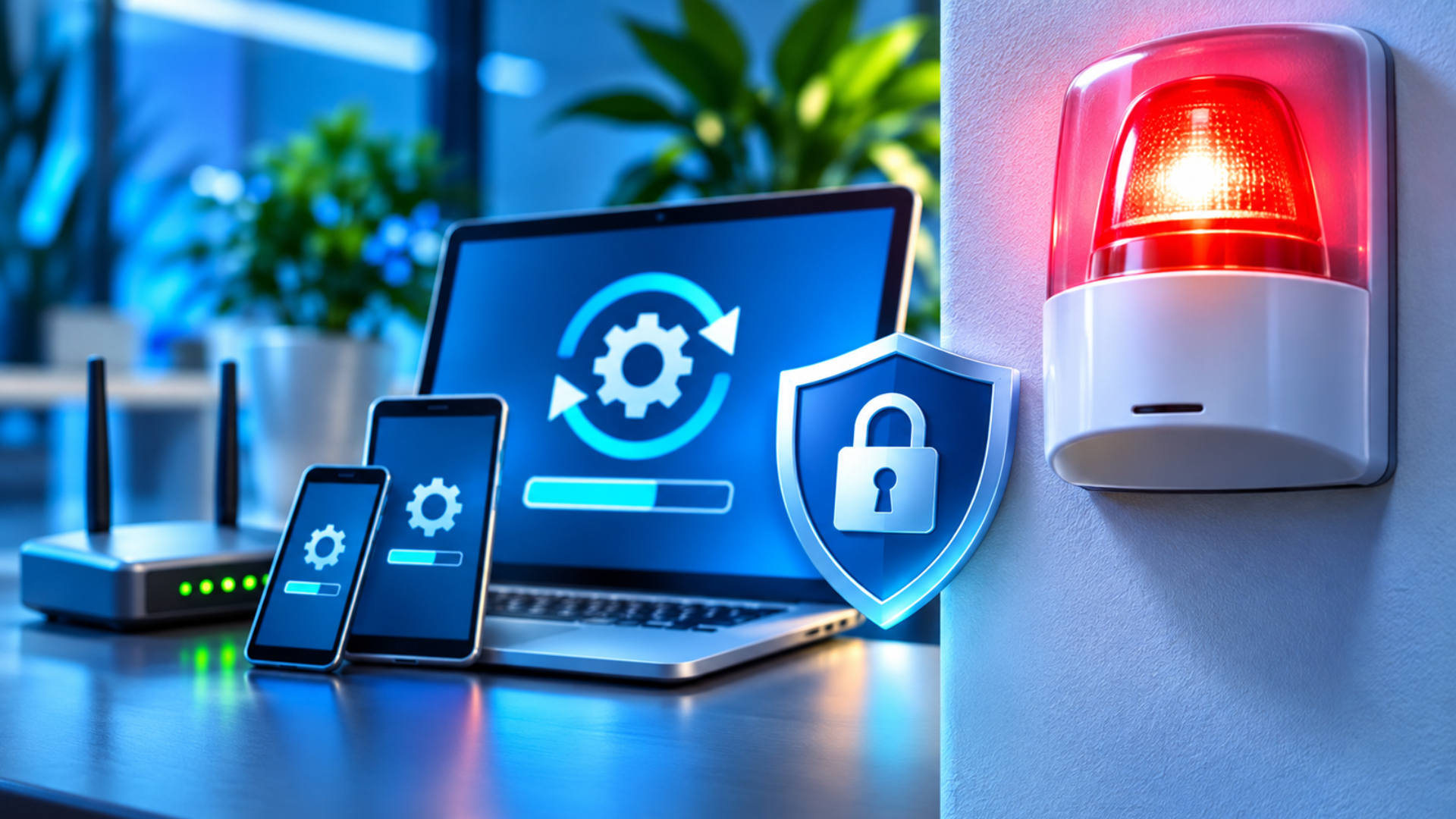
Imagine investing in a security alarm system for your office, only to discover months later that nobody has maintained it.
The batteries are failing. Some sensors aren’t working. And nobody has checked whether the system still protects your property.
You wouldn’t want to discover those problems during a break-in.
The same principle applies to your business technology.
Your company may have firewalls, antivirus software, and strong passwords in place. However, if your computers, applications, and network devices don’t receive regular updates, cybercriminals may still find ways into your systems.
That’s why software updates and patch management are essential parts of business cybersecurity.
As we wrap up Cybersecurity Awareness Month, let’s talk about something businesses often overlook: keeping existing security defenses working.
Why Software Updates Matter More Than You Think
Have you ever been in the middle of an important task when your computer suddenly asks you to install an update?
It’s tempting to click “Remind Me Later.”
After all, you have deadlines to meet, customers to respond to, and a business to run.
But here’s what many business owners don’t realize.
Software updates aren’t always about adding new features or improving performance. In fact, many updates address security weaknesses that could put your business at risk.
Some updates fix vulnerabilities that cybercriminals could exploit to access company systems, steal sensitive information, or disrupt daily operations.
Think of it like discovering a broken window in your office.
Even if you lock every door and install an alarm system, that broken window still creates an opening.
An unpatched security vulnerability can create a similar opening in your business network.
As a result, the longer you delay important security updates, the longer your business may remain exposed.
Your Computers Aren’t the Only Devices That Need Updates
When business owners think about software updates, they usually think about Windows updates or restarting office computers.
However, your company’s technology environment includes much more than desktops and laptops.
Other systems that may require regular security updates include:
- Servers and network equipment: Routers, firewalls, switches, and other devices that support business operations.
- Business applications: Accounting software, customer relationship management tools, and other applications employees use daily.
- Mobile devices: Smartphones and tablets that access company email, files, and business systems.
- Web browsers and extensions: Tools employees rely on to access websites and cloud-based applications.
- Connected office equipment: Printers, security cameras, and other network-connected devices.
Each device or application can introduce potential security risks when businesses fail to address vulnerabilities.
Additionally, companies with remote or hybrid employees may find it even harder to track updates across multiple devices and locations.
Securing your office computers while overlooking other connected systems is like locking the front door but leaving the garage open.
The Hidden Risk of Delaying Software Updates
Postponing a software update may seem harmless, especially during a busy workday.
However, when employees repeatedly delay updates for weeks or months, known vulnerabilities can remain unaddressed.
Similarly, outdated applications can create security risks when businesses continue using software that no longer receives support.
Unsupported software may no longer receive security fixes. Consequently, businesses may have limited options for addressing newly discovered weaknesses.
When attackers exploit these vulnerabilities, the consequences can extend beyond a single computer.
Depending on the systems affected, businesses may experience:
- Unauthorized access to company accounts and sensitive data
- Malware or ransomware infections
- Disruptions to business operations
- Financial losses and recovery expenses
- Compliance concerns involving protected information
- Damage to customer confidence and business reputation
For a small or midsize business, even a temporary disruption can affect productivity, customer service, and revenue.
Ultimately, the cost of ignoring routine IT maintenance can be far greater than the inconvenience of scheduling an update.
Patch Management: Who’s Making Sure Your Systems Are Protected?
Here’s an important question for business owners:
Who is responsible for keeping your company’s systems updated?
Is it your employees?
Your office manager?
An outside IT provider?
Or does everyone assume someone else is handling it?
This is why having a structured patch management process becomes so important.
Patch management involves identifying, evaluating, testing when appropriate, installing, and verifying software updates that address security vulnerabilities and other issues.
An effective approach helps businesses:
- Know what needs updating. Maintain visibility into computers, applications, servers, and network-connected devices.
- Prioritize security risks. Address critical vulnerabilities based on severity, exposure, and business impact.
- Schedule and deploy updates. Apply patches promptly while considering operational requirements.
- Verify successful installation. Confirm that IT teams installed updates correctly and identify devices they may have missed.
- Monitor systems continuously. Review newly identified vulnerabilities and unsupported technology.
Of course, IT teams should evaluate updates before deploying them to systems that support critical business operations.
Therefore, the goal is to establish a reliable process that balances security, compatibility, and business continuity.
Because cybersecurity shouldn’t depend on whether someone remembers to click “Update Now.”
Cybersecurity Is Not a Once-a-Year Activity
October is Cybersecurity Awareness Month, but cybercriminals don’t stop looking for vulnerabilities when November begins.
Likewise, protecting your business requires more than an annual reminder to employees.
Instead, effective cybersecurity requires ongoing attention throughout the year.
Throughout this month, we’ve highlighted four important cybersecurity practices:
Week 1: Strong Passwords
Create strong, unique passwords to reduce the risk of unauthorized account access.
Week 2: Multi-Factor Authentication
Add another layer of account protection through MFA and encourage secure password management.
Week 3: Phishing Awareness
Help employees recognize suspicious messages, verify unusual requests, and report potential threats.
Week 4: Software Updates and Patch Management
Keep devices, applications, and network systems maintained to reduce exposure to known security vulnerabilities.
Each practice addresses a different type of cybersecurity risk.
However, businesses shouldn’t treat any of these practices as a one-time task.
Strong cybersecurity comes from consistent habits, reliable processes, and technology that your IT team maintains properly.
Is Your Business Keeping Up With Cybersecurity Maintenance?
You don’t need to manage every software update personally.
However, as a business owner, you should know whether your company has a reliable process for identifying vulnerabilities, applying security patches, and maintaining critical systems.
At Smarthost Design Technologies, we help businesses manage their IT environments, strengthen cybersecurity defenses, and identify potential risks before they lead to costly disruptions.
Through proactive IT support and cybersecurity assessments, we help businesses keep their technology secure, reliable, and ready to support daily operations.
Not sure whether your business has security gaps hiding in outdated systems or overlooked devices?
Start by understanding where your organization may be vulnerable.
Keep Your Business Protected Beyond October
A security alarm only works when you maintain it properly.
Similarly, your business cybersecurity defenses need regular attention to remain effective.
Don’t wait until a system fails or a cyberattack occurs to discover that your team missed an important update.
Instead, make software updates, patch management, employee awareness, and regular security reviews part of your ongoing business operations.
After all, protecting your business isn’t something you do once a year.
It’s something you do every day.
Keep your systems updated. Keep your defenses working. Keep your business protected.
Get your FREE Cybersecurity Assessment with Smarthost today and discover potential security gaps before cybercriminals do.
FREE IT Optimization Plan
Are you completely fed up with chronic computer problems and escalating IT costs? Do you worry that your backups and IT security are lacking? Do you have a sneaking suspicion that your current IT guy doesn’t have a handle on things? Our free IT optimization plan will reveal gaps and oversights in your computer network and show you how to eliminate all your IT problems and never pay for unnecessary IT expenses again. Complete this form below to get started. We will contact you to discuss the next steps to getting your free IT Optimization Plan.


